
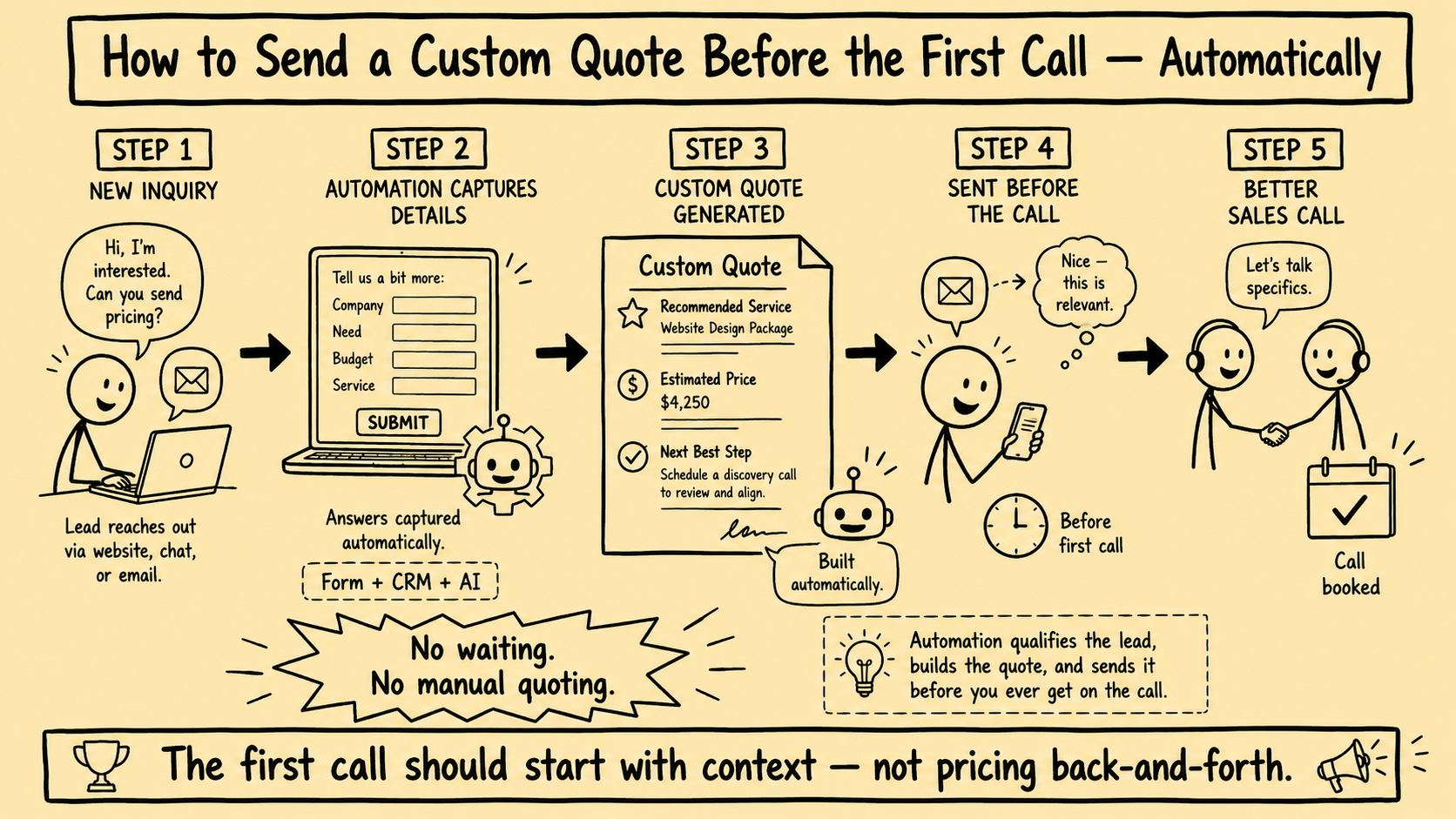
Automation can collect documents, normalize data, calculate approved formulas, flag missing inputs, and prepare a draft for review. It cannot turn a short web form into an authoritative business valuation, buyer-ready package, listing recommendation, or binding proposal.
This article previously promised an automatically personalized quote before the first call, claimed that instant delivery wins more deals, assumed submitted data was sufficient for accurate pricing, generalized an event-venue workflow to other businesses, and recommended sending unreviewed documents within seconds. Those claims and obsolete service links were removed.
Direct answer: Automate the evidence trail and low-risk preparation, not professional judgment. Label every output by purpose and status, preserve source data and assumptions, stop on material gaps, require authorized review, and keep an indicative range, a professional valuation, a broker recommendation, and an engagement proposal distinct.
This is educational operating guidance, not valuation, appraisal, legal, tax, accounting, securities, lending, or transaction advice. Requirements vary by jurisdiction, purpose, asset, engagement, intended user, and professional role. Qualified owners should define the applicable standards and approve the real workflow.
Separate the outputs before building the workflow
“Quote,” “estimate,” “valuation,” “opinion,” “asking price,” and “proposal” are not interchangeable.
| Output | Purpose | Minimum boundary | Release authority |
|---|---|---|---|
| Intake acknowledgment | Confirm receipt and explain next steps | No value or engagement conclusion | Approved system rule |
| Data-quality summary | Show received, missing, stale, or conflicting inputs | No silent correction or inference | System with reviewer escalation |
| Indicative range | Support an early exploratory conversation | Limited-use label, assumptions, exclusions, date, and no-reliance boundary | Authorized reviewer under brokerage policy |
| Professional valuation or appraisal | Address a defined value question | Engagement scope, basis, inputs, methods, judgment, documentation, and applicable standards | Qualified professional |
| Broker pricing or market recommendation | Support a listing or go-to-market decision | Current market evidence, mandate context, and professional review | Authorized broker or adviser |
| Engagement proposal | Offer defined brokerage or valuation services | Scope, responsibilities, fees, terms, exclusions, and acceptance method | Authorized commercial or professional owner |
| Buyer-facing information | Support an approved opportunity process | Confidentiality, verification status, access rules, and seller authorization | Deal owner |
A document may contain more than one section, but the status and authority of each section must remain obvious. A disclaimer in fine print cannot repair a headline or layout that presents a preliminary number as a completed valuation.
Define the valuation context first
The International Valuation Standards Council’s current-edition overview identifies separate standards for scope of work, bases of value, valuation approaches, data and inputs, models, documentation, reporting, and businesses and business interests. It also emphasizes data quality and professional judgment.
Before requesting numbers, capture or establish:
- Purpose of the work and intended use
- Client, intended users, and reliance limits
- Subject business or interest being considered
- Relevant ownership, entity, and jurisdiction details
- Valuation date or other effective date
- Basis or premise of value where applicable
- Scope of investigation and information limitations
- Applicable standards, credentials, and engagement terms
- Responsible professional and approval path
If those elements are unknown, the system can collect preliminary information and schedule review. It should not imply that it has completed a standards-based engagement.
Design intake around evidence, not form completion
A checked box or typed number is not automatically a verified valuation input. For each field, store:
- Submitted value and original format
- Submitter identity, role, and authority
- Source document or system
- Period start and end dates
- Currency, units, and accounting basis
- Whether the value is reported, calculated, adjusted, or verified
- Extraction method and confidence, if automated
- Reviewer, review time, and corrections
- Which output versions used it
Potential inputs may include financial statements, tax returns, general-ledger extracts, owner compensation, non-recurring items, debt, working capital, customer concentration, contracts, leases, inventory, equipment, intellectual property, litigation, and other matter-specific information. The correct request depends on the defined scope; collecting everything by default creates risk without guaranteeing quality.
Build a state machine instead of instant delivery
A controlled workflow moves through explicit states:
- Received: original submissions are preserved and access-controlled.
- Validated: file types, periods, units, identities, and required fields pass basic checks.
- Exception: missing, stale, contradictory, illegible, or out-of-policy items await resolution.
- Prepared: deterministic calculations or draft narrative are ready for professional review.
- Reviewed: an authorized person confirms inputs, assumptions, methods, limitations, and wording.
- Approved: the exact document version and intended recipient are authorized for release.
- Delivered: delivery, access, acceptance, and failure events are recorded.
- Superseded or withdrawn: later corrections do not silently alter the historical record.
Only low-risk acknowledgments should normally leave immediately. A material valuation-related output or proposal should fail closed when approval, required evidence, or recipient authorization is missing.
Keep calculation, model, and judgment distinct
A deterministic rule can calculate a subtotal or ratio from approved inputs. A valuation model applies a defined methodology and assumptions. Professional judgment decides whether the data, method, adjustments, weighting, context, and conclusion are appropriate.
Record:
- Formula or model name and version
- Owner, approval date, and permitted use
- Input definitions and transformations
- Assumptions, limitations, and excluded cases
- Reference data source, date, and license
- Rounding and currency behavior
- Test cases and tolerance
- Override reason and approver
- Output version and downstream recipients
Do not encode undocumented “pricing logic in someone’s head.” Translate it into reviewable definitions, then test normal, boundary, contradictory, missing, and extreme cases.
Use AI for preparation, not authority
The NIST Generative AI Profile provides voluntary guidance for governing, mapping, measuring, and managing generative-AI risk. Apply it to document extraction, normalization, anomaly explanations, narrative drafts, and client communications.
Useful, bounded AI tasks can include:
- Classifying an uploaded document and proposing its period
- Extracting candidate values with page and cell references
- Comparing repeated fields across submissions
- Flagging missing explanations or inconsistent units
- Drafting questions for an authorized reviewer
- Converting approved structured facts into plain-language draft sections
Test hallucinated figures, swapped periods, sign errors, wrong currencies, incorrect entity matching, table-reading errors, lost negation, unsupported adjustments, confidential-data leakage, and persuasive language that overstates the output.
An AI-generated value, multiple, adjustment, conclusion, or recommendation should not become authoritative because it appears polished. Preserve the model and version, prompt or rule, source references, uncertainty, reviewer, corrections, and approval.
Protect confidential business information
Valuation intake can contain payroll, owner compensation, tax records, customer information, contracts, health-related data, banking details, personal identifiers, and deal-sensitive facts.
The ICO data-protection-by-design guidance emphasizes appropriate technical and organizational measures throughout the processing lifecycle. Apply that principle from collection through deletion.
Define:
- Minimum information required for each stage
- Secure upload and recipient authentication
- Matter-level and role-based access
- Encryption, secret management, and environment separation
- Prohibited data and redaction rules
- Vendor, model-provider, subprocessor, and data-location review
- Audit logs for view, export, edit, approval, and delivery
- Retention, legal hold, deletion, and backup treatment
- Incident response, recovery, and vendor exit
Do not attach sensitive documents to broad internal notifications. Send authorized users to the controlled matter record.
Make client-facing claims match the evidence
The FTC advertising guide explains that express and implied promotional claims should be truthful, non-deceptive, and supported by an appropriate reasonable basis. It also notes that material qualifications should be clear enough for people to notice and understand.
Review the complete presentation, not only individual sentences. Titles, charts, design, labels, ranges, call-to-action language, testimonials, and omissions can imply more certainty or authority than the text supports.
Avoid unsupported statements such as:
- “Your business is worth” when the output is only preliminary
- “Buyer-ready” without completing the defined checks
- “Market value” without an appropriate basis, scope, and process
- “Guaranteed price,” “accurate instantly,” or “will sell for”
- “Pre-qualified buyer” when only self-reported intake exists
- “Custom valuation” when a generic formula used incomplete data
State what the output is, what it is not, its effective date, source-data status, material assumptions, intended use, expiration or review trigger, and who to contact with corrections.
Separate the proposal from the value-related output
An engagement proposal should draw only from approved intake fields and commercial rules. It may include:
- Named parties and authorized contacts
- Proposed service scope and deliverables
- Client and brokerage responsibilities
- Information and access required
- Fees, taxes, expenses, and payment schedule
- Timeline dependencies rather than unsupported completion promises
- Exclusions, conflicts, confidentiality, and professional-review terms
- Validity period, approval owner, and acceptance mechanism
Do not calculate fees from an unapproved value range unless the policy, engagement terms, and authorized owner explicitly permit it. Do not let a proposal imply that the brokerage has accepted an engagement, conflict check, listing, value conclusion, or representation before the required steps occur.
Use human approval where consequences are material
Approval should verify the exact artifact, not a template in the abstract.
The reviewer needs to see:
- Recipient and permitted use
- Source documents and verification status
- Exceptions, missing items, and conflicts
- Calculations, models, versions, and overrides
- Assumptions and limitations
- Value-related wording and visual presentation
- Service scope, price, terms, and dependencies
- Confidentiality and access state
- Delivery channel and expiration
Record who approved what version, when, for whom, and under which policy. If data changes after approval, invalidate affected outputs and return them to review.
Test the complete workflow
Use synthetic or controlled cases before real client delivery.
Test:
- Correct, incomplete, contradictory, duplicate, and stale submissions
- Fiscal versus calendar periods and mixed currencies
- Negative values, zeros, extreme values, and rounding boundaries
- Password-protected, scanned, malformed, and mislabeled files
- Several entities, owners, locations, or share classes
- Unauthorized submitter or recipient
- Extraction uncertainty and deliberately wrong AI output
- Model version changes and expired reference data
- Reviewer correction, rejection, reassignment, and absence
- Duplicate events, delayed webhooks, partial document generation, and delivery failure
- Withdrawal, supersession, export, deletion, recovery, and vendor exit
Acceptance criteria should cover field accuracy, exception detection, calculation reproducibility, unauthorized-release rate, approval completeness, document-label accuracy, access violations, delivery integrity, and time to resolve exceptions.
Measure reliability instead of speed theater
Track:
- Intake completion by required field and source
- Missing, stale, contradictory, and corrected inputs
- Extraction accuracy by document and field type
- Calculations reproduced from the recorded version
- Cases routed to exception and time to resolution
- Drafts approved, rejected, corrected, superseded, or withdrawn
- Unauthorized access or release attempts
- Recipient corrections and complaints
- Proposal acceptance by properly segmented cohort
- Downstream differences between early indications and later reviewed work
- Reviewer workload and turnaround by complexity
Faster delivery can be useful, but it is not proof of better valuation, better advice, a more qualified seller, a higher close rate, or a successful transaction. Optimize for trustworthy progression through the process.
The practical conclusion
The best automation does not disguise an estimate as a valuation. It makes the evidence, assumptions, exceptions, calculations, versions, approvals, and delivery trail easier to manage.
Define the output before collecting inputs. Preserve provenance. Stop on material gaps. Keep calculations reproducible and AI reviewable. Separate valuation work from the commercial proposal. Release consequential documents only with appropriate professional authority.
To design a controlled workflow, review automation and AI systems and operations streamlining, or request a Business Broker Pipeline & Operations Assessment.
Frequently Asked Questions
Can a business valuation be generated automatically from a form?
A form can support intake, validation, calculations, and a clearly labeled indicative output. It does not by itself establish an appropriate scope, basis of value, reliable inputs, professional analysis, or an authoritative conclusion. The required process depends on the purpose, jurisdiction, engagement, and applicable standards.
What is the difference between an indicative range and a professional valuation?
An indicative range is a preliminary, assumption-dependent orientation tool based on limited information. A professional valuation follows a defined engagement scope, basis of value, investigation, methods, judgment, documentation, reporting, and applicable professional requirements.
Is a valuation output the same as a broker engagement proposal?
No. A value-related output addresses an asset or business interest under stated assumptions. An engagement proposal describes services, responsibilities, fees, timing, exclusions, data needs, and terms. They should be separately labeled, reviewed, authorized, and accepted.
Where can AI safely help in a valuation intake workflow?
AI can classify documents, extract candidate fields, identify missing information, draft explanations, and organize review queues. Outputs should retain source references and uncertainty, undergo testing, and require human approval before becoming valuation inputs, representations, or client-facing conclusions.
What should happen when submitted data is incomplete or contradictory?
The system should stop the affected calculation or document, show the conflict, preserve the original evidence, request clarification through an approved channel, and route the case to an accountable reviewer. It should not silently fill gaps or choose the more favorable number.
Sources and evidence notes
Primary or first-party materials reviewed for this article. Scope and limitations are stated rather than silently generalized.
- New edition of the International Valuation Standards publishedInternational Valuation Standards Council · Published · Accessed
Primary standards-setter overview of the IVS edition effective January 31, 2025, including scope, bases of value, approaches, data and inputs, models, documentation, reporting, business interests, and professional judgment.
- Advertising FAQs: A Guide for Small BusinessU.S. Federal Trade Commission · Accessed
Official guidance that express and implied promotional claims should be truthful, non-deceptive, and supported by an appropriate reasonable basis, with material qualifications presented clearly.
- Data protection by design and by defaultUK Information Commissioner’s Office · Accessed
Current UK guidance on integrating appropriate technical and organizational data-protection measures throughout the processing lifecycle.
- Artificial Intelligence Risk Management Framework: Generative Artificial Intelligence ProfileU.S. National Institute of Standards and Technology · Published · Accessed
Voluntary cross-sector guidance for governing, mapping, measuring, and managing generative-AI risks across the AI lifecycle.
Brokerage data stays governed. Material deal decisions stay human.
We design business broker systems around least-privilege access, documented data flows, protected credentials, traceable activity, and approval gates. Systemify does not use client information to train its own models. When a workflow uses an external AI provider, its purpose, data fields, and retention approach are documented and approved before client data is transferred.
Apply this to your brokerage
We can assess your buyer and seller pipeline, valuation and vetting workflows, communications, documents, controls, and handoffs before recommending what to build.
Talk to a Broker Systems Expert